

AusLogics BoostSpeed 7.0.0
Clean, speed up and improve PC performance
 Download
Program info
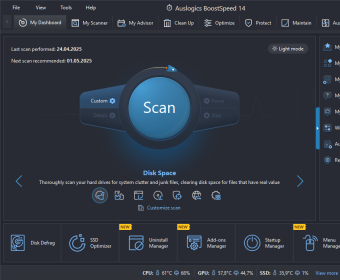


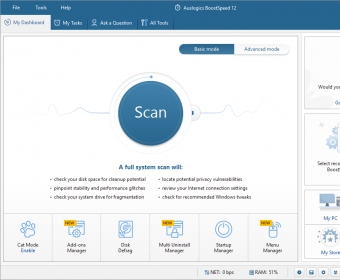
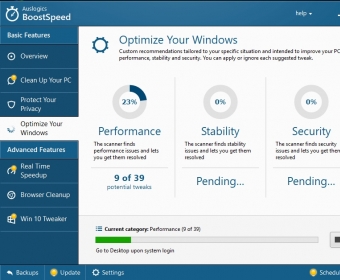
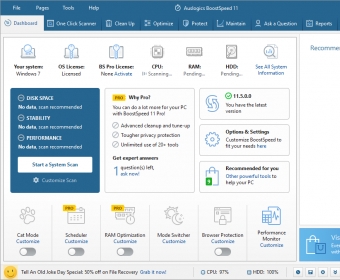

No specific info about version 7.0. Please visit the main page of AusLogics BoostSpeed on Software Informer.
Details
Extensions

No information available
The data will be available later.Awards

Related software

Provides you the most powerful junk cleaning and privacy protection.

Provides optimization of Windows registry, web browser, and startup programs.

Increase system’s stability and performance by fixing registry problems.
Related stories
See all
Running CHKDSK is crucial for Windows system health. It repairs errors, identifies bad sectors, optimizes storage, and ensures data integrity. Learn how to run it effectively.
Upgrade from Windows 10 as support ends soon. Windows 11 is streamlined and easy to install. Learn how to migrate and clean up your system without losing essential data.
So what are all those lines in the Task Manager? Learn about the essential processes like svchost.exe, winlogon.exe, and other mysterious items.



I bought it once, why should I buy it again?
Did I contact the support — yes, they helped, but only once. And than the problem of forcing to download the new version and pay for it appears in system every day. More